General Structure
To build our mobile application, we used flutter for our frontend, accompanied with Firebase as our backend and database. Deployment was done through an apk distribution, as deploying on the app store for both iOS and Android is a paid feature.
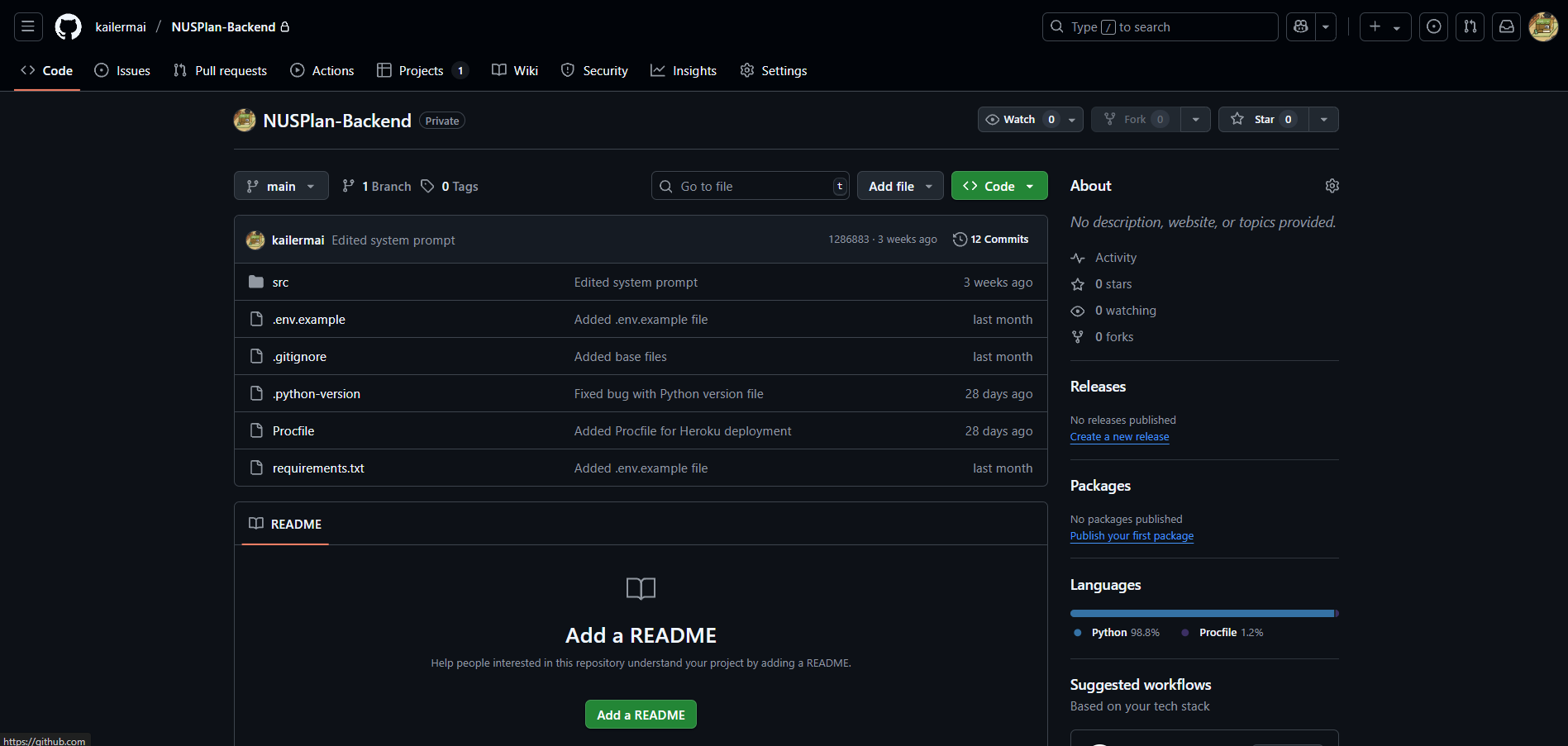
We also used Python FastAPI to build our separate backend service to handle API calls to the Google Gemini AI model, mainly for our AI study plan feature. We hosted the backend on Heroku, to allow our backend service to be accessible at all times.
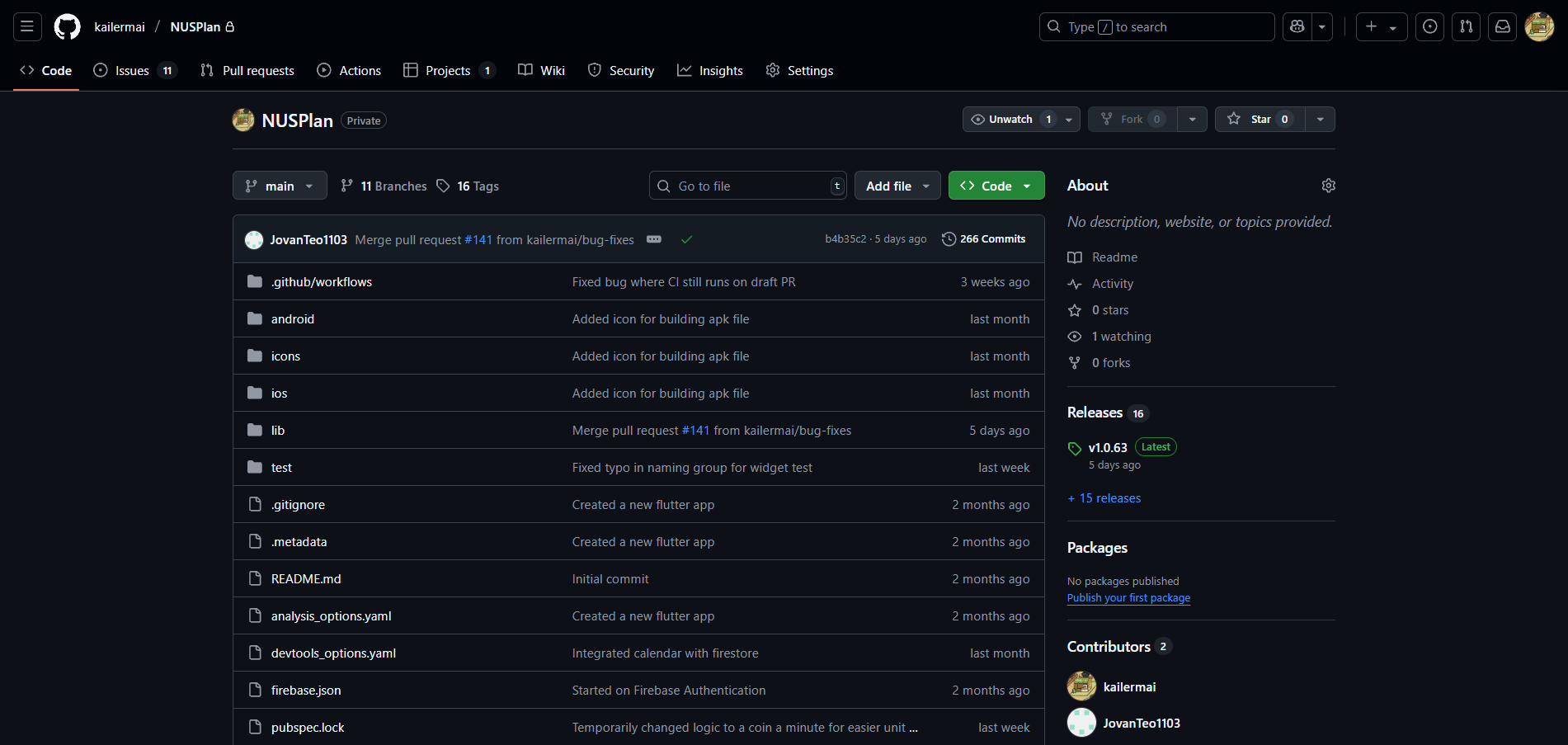
We maintained two separate GitHub Repositories, one for our main application with Flutter and Firebase, another for our backend FastAPI service.
Screenshot of our main repository hosting our mobile application
Screenshot of our backend repository for Python FastAPI
Why Flutter?
Initially, we were deciding between React Native or Flutter. However, we decided to go with Flutter for various reasons.
1. Familiarity with Java
As we have just completed a course (CS2030S) in NUS that uses Java extensively, we felt more comfortable working with programming languages that had syntax similar to Java. Flutter fit the criteria, and we could apply the OOP concepts we have learnt from the course while exploring a new programming language. We were able to learn and adapt to the syntax of flutter as such.
2. New programming language
While we wanted to stick to a programming language that was not too foreign, we also wanted to learn something new. Personally, I have worked with React Native while participating in the DSTA BrainHack hackathon previously, so I wanted to try something new.
Interestingly, while I was sourcing for a tech stack to use, my YouTube algorithm kept recommending me Flutter tutorial videos, demonstrating how easy it is to use Flutter. This led to us leaning more towards Flutter when choosing our tech stack.
3. Flutter developer features
Flutter also provided many features that help make the development process smoother. For instance, we could use Android Studio with Flutter to easily emulate the app in real-time. Coupled with Flutter’s hot reload feature, any changes to the code will be immediately reflected on the emulator, making live changes to the UI easier to view.
Flutter also supported cross platform development, which provided us with the alternative to deploy on iOS in the future.
Why Firebase
We were debating between using a SQL or NoSQL database, but eventually decided to use Firebase as it was more flexible to our needs
1. NoSQL database
We eventually settled with a NoSQL database as it could handle data with more flexibility. We did not have a very specific plan for our application in the initial stages, and were open to adding and remove more features with each milestone. As such, Firebase as a NoSQL database was more suited to our needs.
This allowed us to easily add different fields to our database, which would have been troublesome with an SQL database. We also did not need to plan the structure of our database and set up schemas and tables, as we felt that we should be spending the time on creating the actual application instead.
2. Compatibility with Flutter
Most of the tutorials available online were based on using Flutter with Firebase, which made our learning process easier with more resources online.
Similar, with the Firebase package for Flutter, it provided us an easy way to integrate firebase into Flutter. This meant that we could handle both frontend and backend logic all in Dart, without having to maintain separate services.
Why Python FastAPI
We wanted to create a backend service to handle our API calls as quickly as possible, since it was only to handle API calls for our AI study planner feature and to hide our API keys. As such, we opted for Python’s FastAPI as it has very less boilerplate code, and it is easy to set up. Hosting on Heroku was also very simple, deploying with just a Git CLI command.